
VALSEA
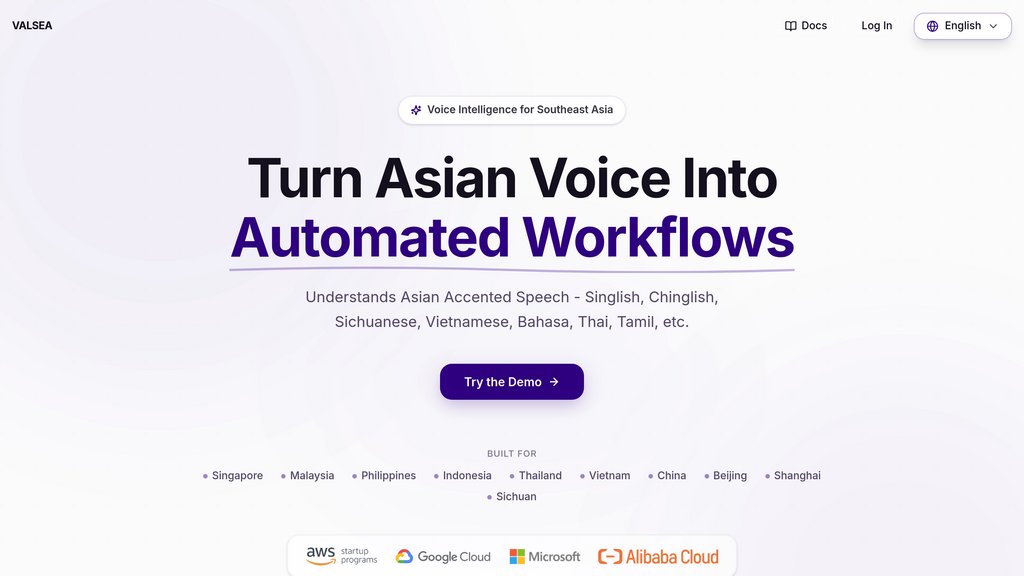
Speech intelligence platform built for Southeast Asian accents and code-switched languages, turning voice into automated workflows.
What is VALSEA?
VALSEA is a speech intelligence platform designed specifically for how Southeast Asia actually speaks. Unlike global speech recognition systems trained on clean, single-language English, VALSEA understands accented, multilingual, and code-switched speech including Singlish, Chinglish, Mandarin, Malay, Bahasa Indonesia, Vietnamese, Thai, and Tamil. The platform goes beyond simple transcription to extract meaning from speech, converting real-world conversations into structured, workflow-ready outputs that businesses can directly use. VALSEA helps companies and creators transform spoken interactions into actionable data through its API-native architecture.
Compare with Alternatives
| Feature | VALSEA | Wave | SpeakApp AI | Rimo |
|---|---|---|---|---|
| Rating | 0.0 | 0.0 | 0.0 | 0.0 |
| Pricing | Freemium | Freemium | Freemium | Freemium |
| Starting From | — | — | — | — |
| API | — | — | — | — |
| Free Tier | — | — | — | — |
| Mobile App | — | — | — | — |
Who is it for
Customer Support Automation
Auto-create support tickets from voice notes with priority levels and categories, send apology SMS with tracking links, and queue follow-up reminders based on detected frustration and intent.
Regional Business Meetings
Handle cross-border calls with SG, MY, PH, ID teams speaking different accents, automatically assign action items, document decisions with owners in CRM, and post Slack summaries.
Content Creator Subtitles
Upload videos with code-switching and mixed languages to get accurate SRT subtitles ready for Capcut export, YouTube, and TikTok publishing.
Operations & Field Updates
Warehouse staff, drivers, and technicians speaking in noisy environments can create incident reports, auto-update inventory, trigger maintenance, and send shift handovers through voice.
SME Voice Workflow Management
Hawker stalls, clinics, and service shops record WhatsApp voice notes to automatically document decisions, assign action items by name, update project tools, and schedule follow-ups.